Zeplo — WhatsApp Messaging for QCall AI
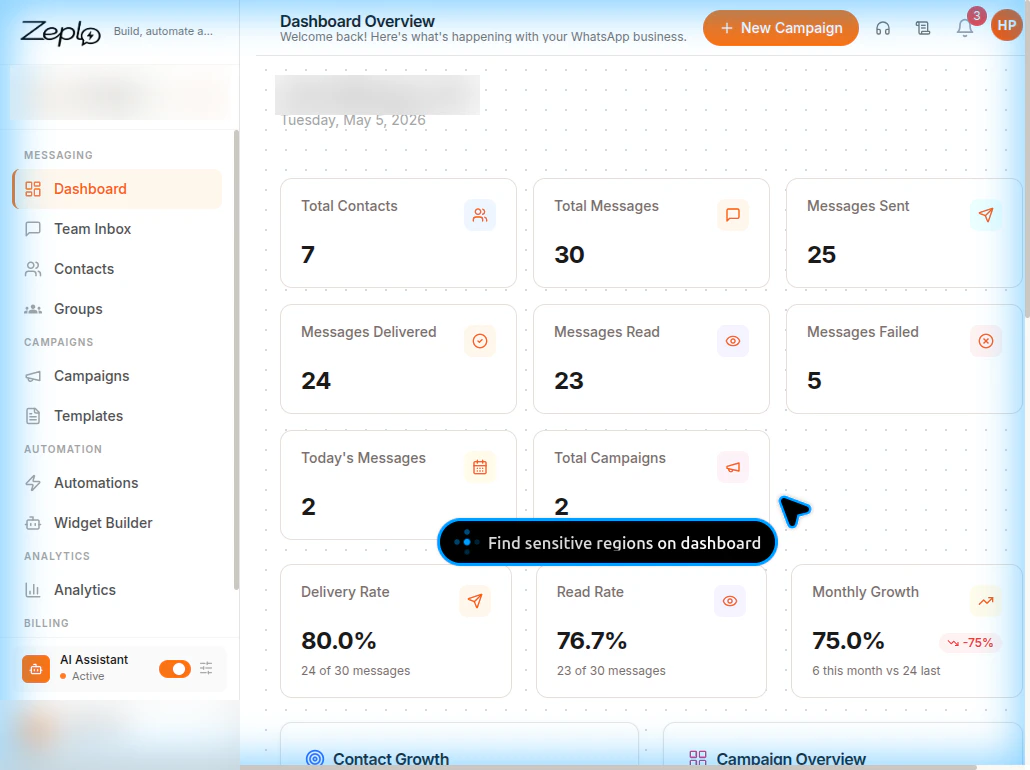
Zeplo is a WhatsApp marketing and messaging platform that integrates with QCall AI to send automated WhatsApp messages during your AI-powered call workflows. With Zeplo, you can:- Send WhatsApp template messages automatically when a call ends
- Send WhatsApp messages when a call is not answered
- Use AI-powered parameter extraction to personalize messages with data from the conversation
- Support authentication (OTP) templates, marketing, and utility templates
- Test templates before deploying them in production
Prerequisites
Before setting up Zeplo integration, ensure you have:- A Zeplo account with an active WhatsApp Business channel connected
- At least one WhatsApp message template created and approved in Zeplo
- An API Key and API Secret generated from Zeplo’s settings
How It Works
QCall AI uses three credentials from your Zeplo account:
When configured, QCall AI can:
- Fetch templates — Automatically load your approved WhatsApp templates from Zeplo
- Extract parameters — Parse template placeholders (
{"{{1}}"},{"{{2}}"}, etc.) and present them for AI hints - Send messages — Trigger WhatsApp messages at the end of calls or when calls go unanswered
- Handle OTP — Automatically replicate OTP values across body and button for authentication templates
Required Keys for Assistant Setup
When creating an assistant with a Send Message action, you need these Zeplo fields:The API Key, API Secret, and Channel ID are configured once in Integrations → Zeplo. The Template, Parameter Hints, and Condition Text are configured per assistant Send Message action.
Setup Overview
Follow these guides to get started:- Step-by-step Zeplo Setup — Create your Zeplo account and generate API credentials
- Zeplo Template Configuration — Configure templates and parameter hints in QCall AI