
Steps
1
Create Elastic SIP Trunking
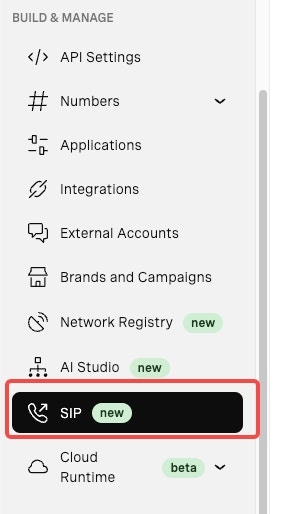
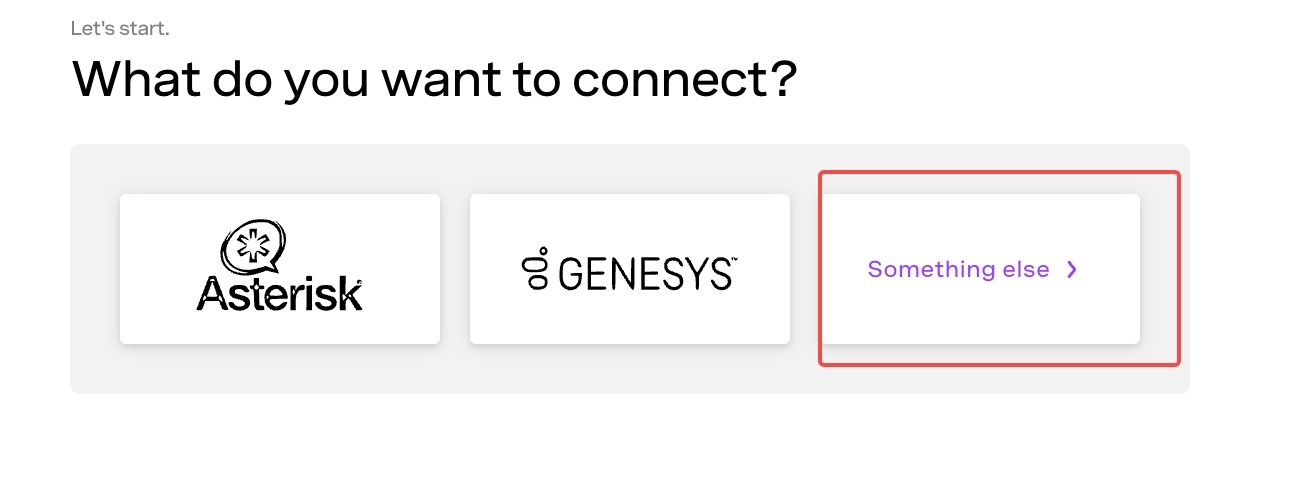
- Locate the SIP section in Vonage dashboard, and select other for
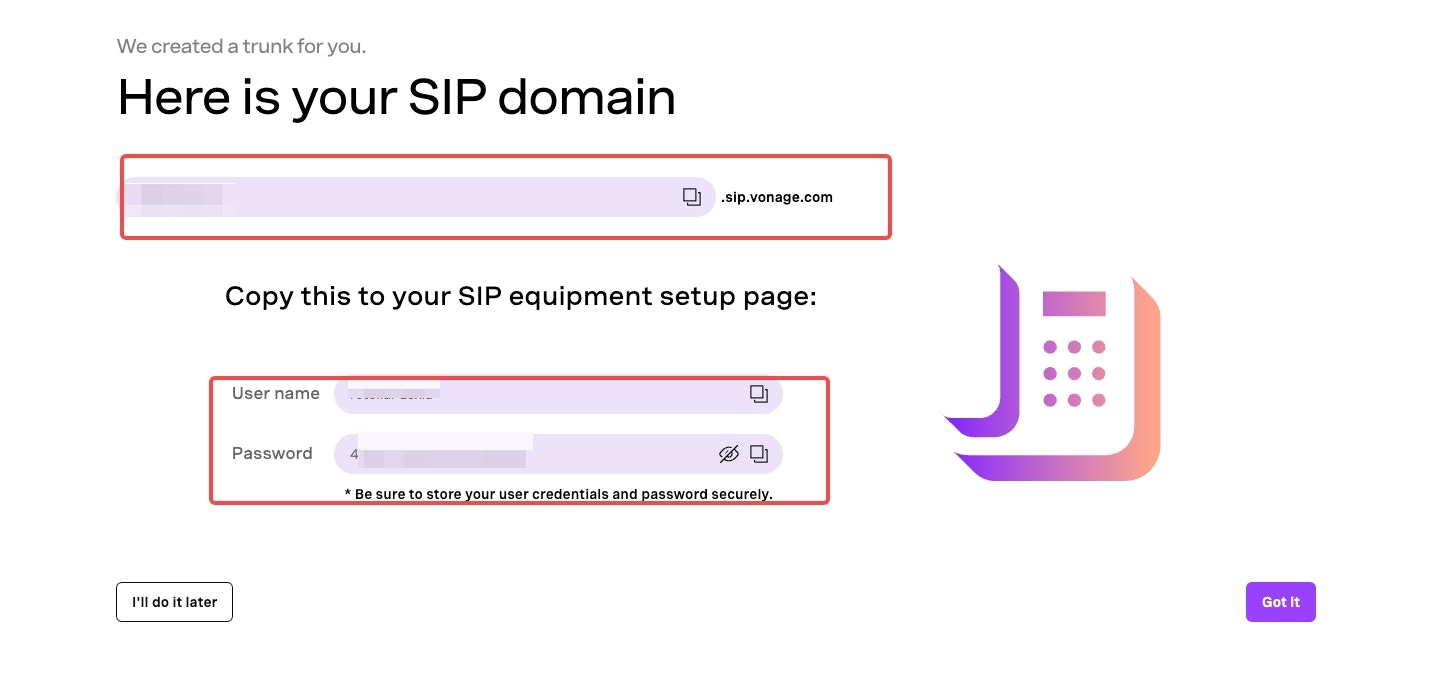
- Setup termination (this is for outbound)
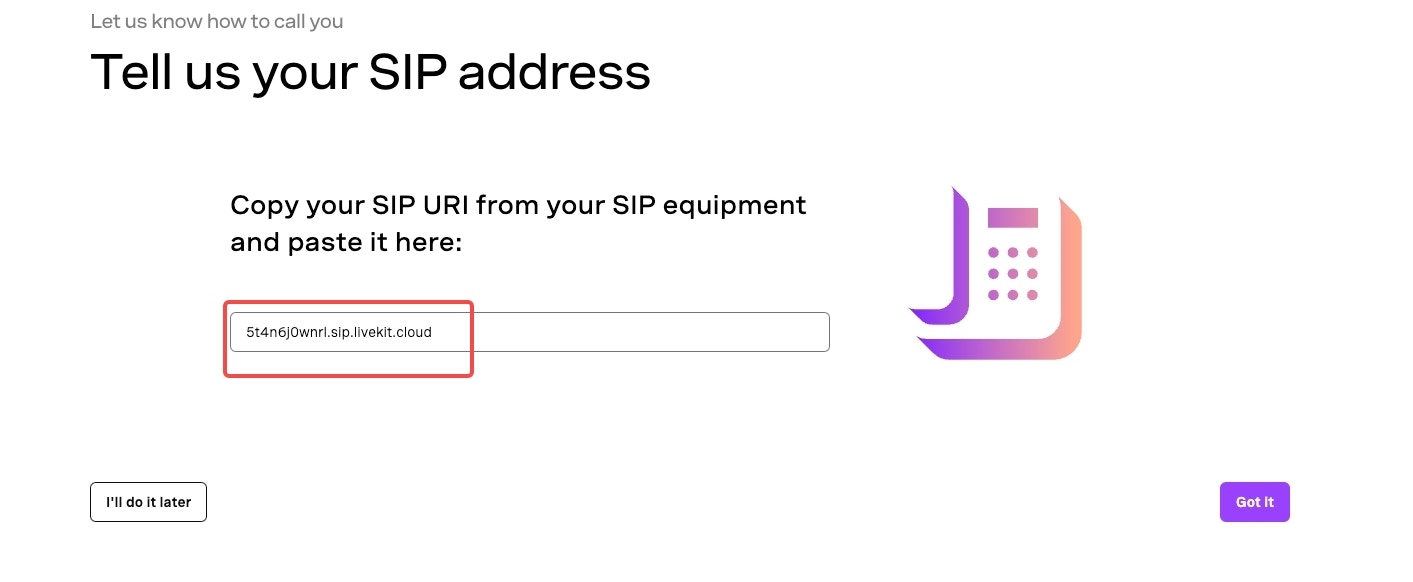
- the termination SIP URI and the username and password here is important, we would use it in later steps, please take notes of it.
- Setup origination (this is for inbound)
- Here you will specify Qcall AI’s SIP server address as the origination SIP URI:
sip:3.109.230.240:5060
2
Move numbers to Elastic SIP Trunking
You’ve created the elastic SIP trunk, now you would need to purchase numbers / move existing numbers to this trunk.
3
Import numbers to Qcall AI
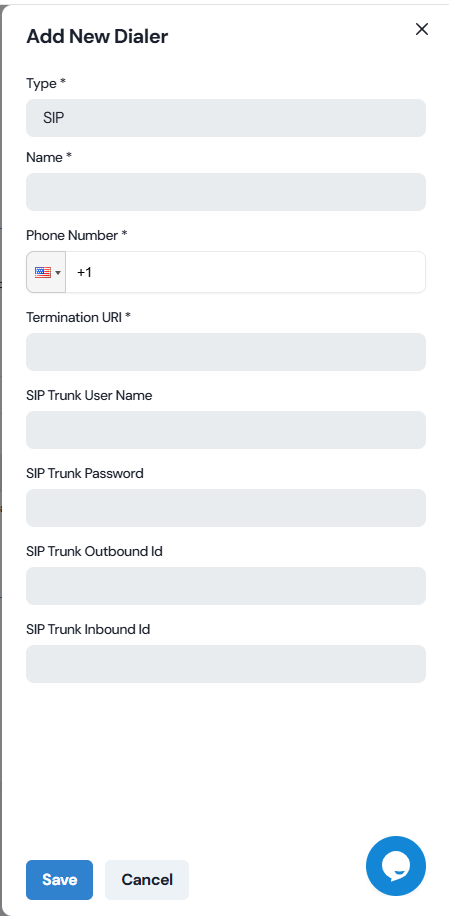
Now the number is set up with your elastic SIP trunking, you need to import the number to Qcall AI so that we will know how to route the call.Here you will supply the termination SIP URI, the username and password you set up in Step 1.